Vision AI: Image Analysis and Caption Drafts, Explained Honestly
SchedulifyX Team · July 6, 2026
Upload an image, get a description, alt text and caption drafts - powered by Gemini, with the older self-hosted tier retired.
What Vision AI does
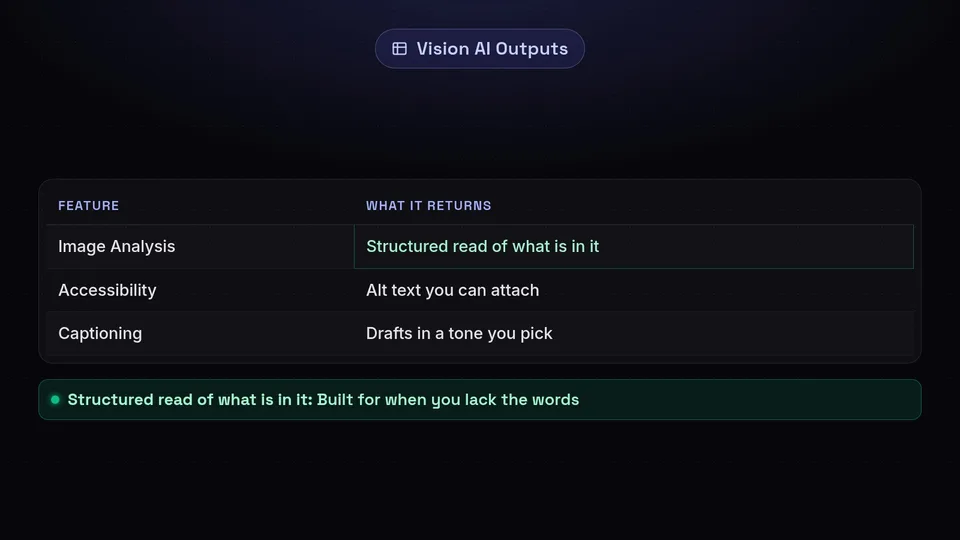
Give Vision AI an image and it returns a structured read of what is in it, alt text you can attach for accessibility, and caption drafts in a tone you pick. It is built for the moment you have the picture but not the words.
What powers it
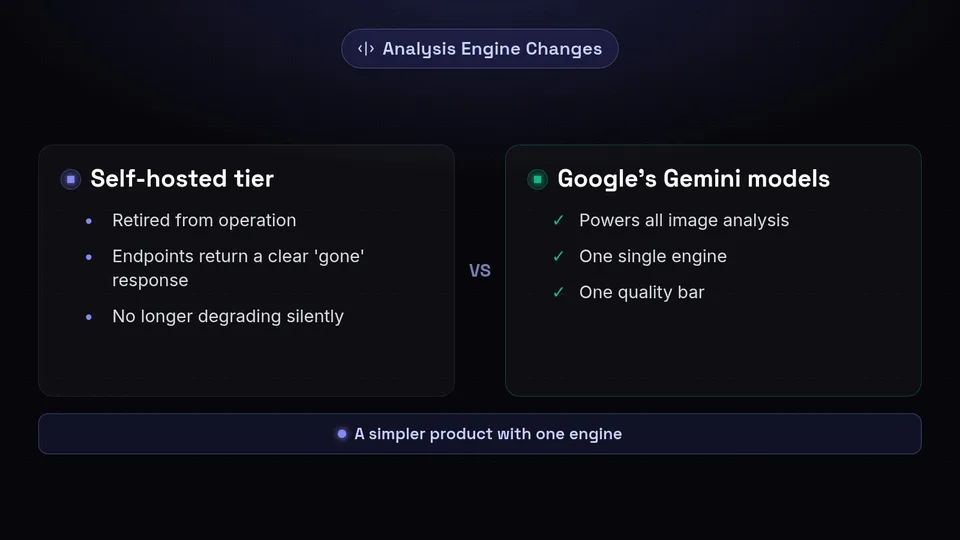
Analysis runs on Google's Gemini models. We previously operated a second, self-hosted analysis tier; it has been retired, and the product is simpler for it - one engine, one quality bar. If you relied on the old tier's endpoints, they now return a clear "gone" response rather than degrading silently.
Getting captions worth keeping
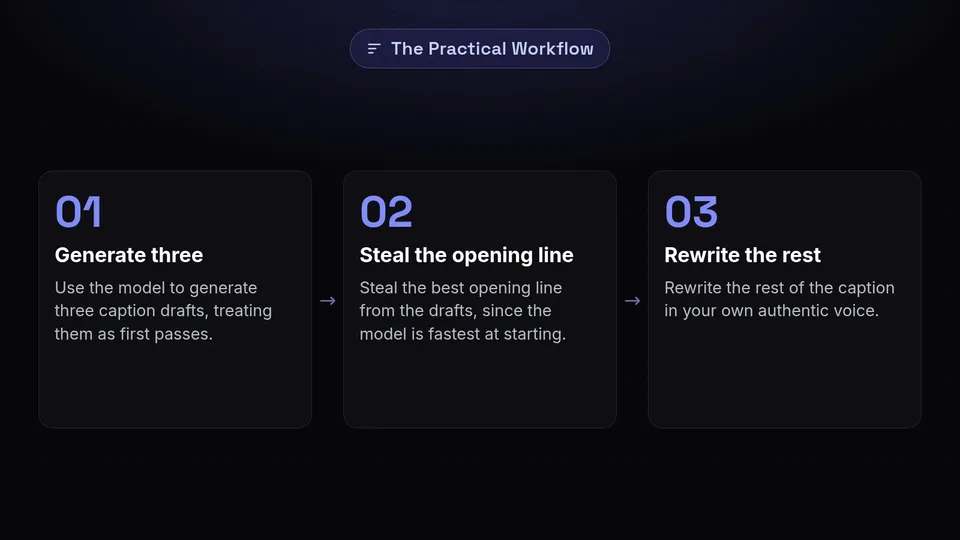
Treat the drafts as first passes. The practical workflow is: generate three, steal the best opening line, and rewrite the rest in your own voice - the model is fastest at the part you find slowest, which is starting.
The quiet win: alt text
The most durable value is one click of honest alt text on every image you schedule. It serves readers using screen readers first, and it makes your media searchable by description inside your own library.
Limits
Media search in the library matches names, alt text and descriptions you have saved - writing good alt text is what makes future-you able to find things. And like any vision model, it describes what is visible; it does not know your campaign context unless your prompt says it.
You can try everything described here on the free plan - create an account and it is all in the left-hand menu.
