Best Time to Post: What the Heatmap Actually Measures
SchedulifyX Team · May 9, 2026
The best-time feature explained without mystique: your own engagement, grouped by day and hour, plus Instagram's audience-online data where available.
The mechanism, in one paragraph
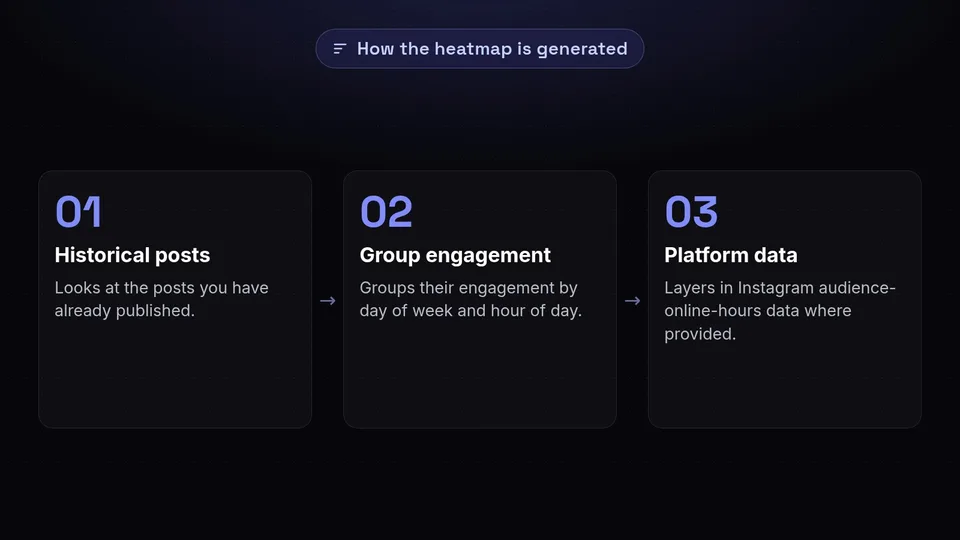
SchedulifyX looks at the posts you have already published and groups their engagement by day of week and hour of day. The cells where your audience has historically responded best show up hottest on the heatmap. For Instagram accounts, the platform's own audience-online-hours data is layered in where Instagram provides it. That is the entire mechanism - your history, honestly aggregated, not a proprietary oracle.
What follows from that
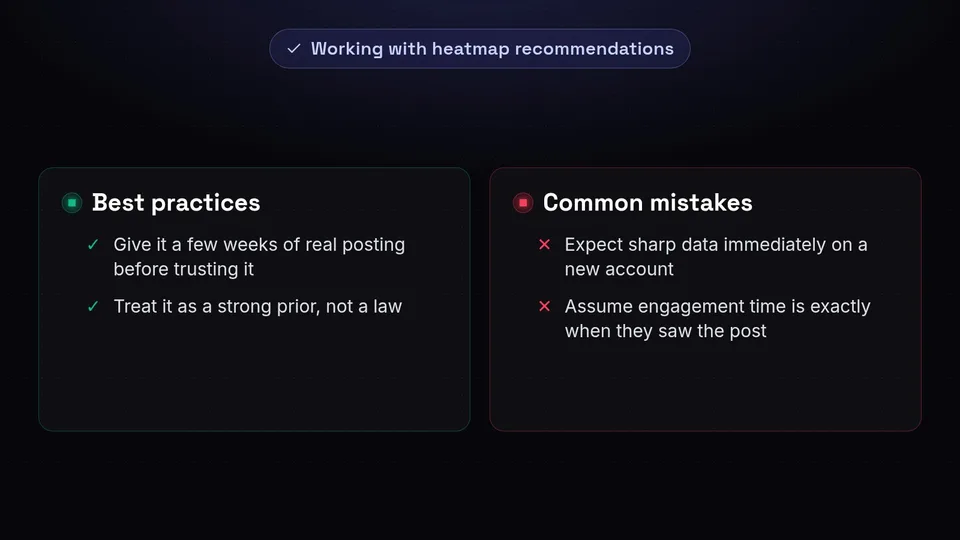
Two practical consequences. First, a new account has little history, so the heatmap starts generic and sharpens as you publish - give it a few weeks of real posting before trusting it. Second, the recommendation reflects when your audience engaged, which is not always when they saw the post; treat it as a strong prior, not a law.
Using it in scheduling

When you pick a slot, the composer can suggest the next good window instead of defaulting to the top of the hour. For a weekly plan, the strategies feature can pre-fill slots on the hot cells so your calendar starts from evidence rather than habit.
Limits worth knowing
Platforms other than Instagram do not expose audience-online data, so there the heatmap rests entirely on your own posting history. And if you always post at 9am, the data can only tell you about 9am - vary your slots occasionally so the map has something to learn from.
You can try everything described here on the free plan - create an account and it is all in the left-hand menu.
