Inside the SchedulifyX Hashtag Generator: What It Does and How to Use It
SchedulifyX Team · July 11, 2026
How the hashtag generator actually works - text-based suggestions, saved sets, and rotation - without the mythology.
What the generator actually is
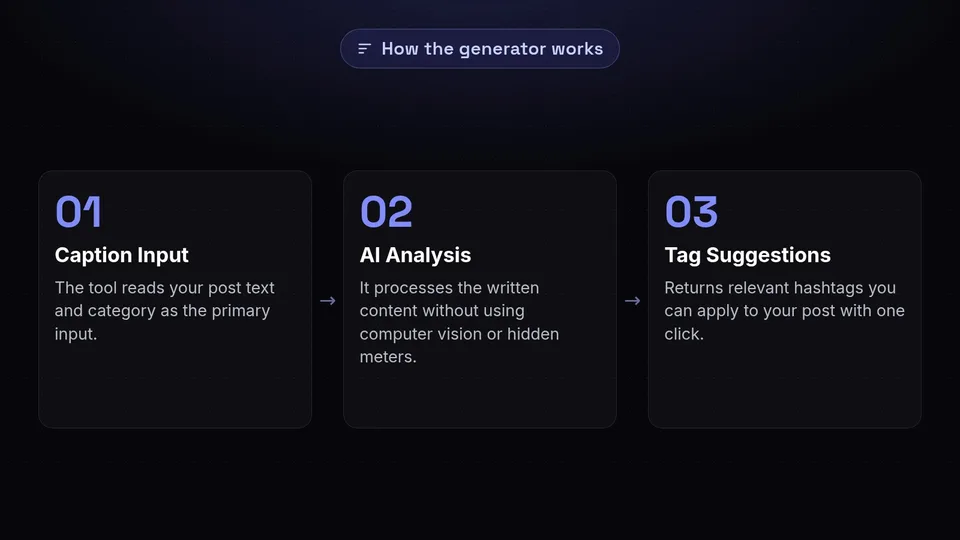
The hashtag generator takes the text of your post and its category and suggests hashtags that fit. That is the whole trick: it reads what you wrote, not your images, and returns tags you can apply with one click. There is no computer vision step and no secret engagement meter - suggestions come from the content you give it.
Using it in the composer

Write your caption first. The better the caption describes the post, the better the suggestions, because the text is the only input. Then open the hashtag panel, review the list, and remove anything that does not fit the post in front of you. Suggested does not mean mandatory.
Sets and rotation
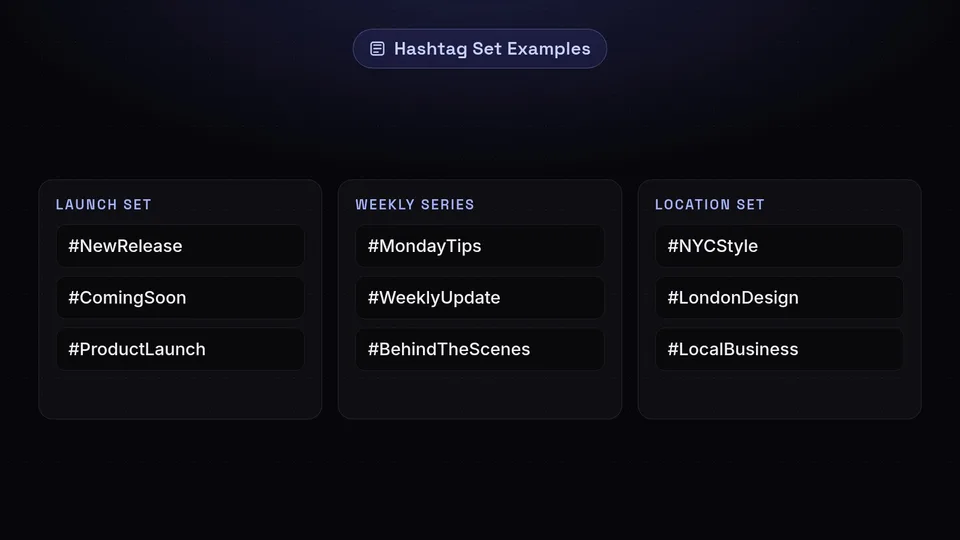
The feature most people miss is hashtag sets: name a group of tags once - a launch set, a weekly-series set, a location set - and apply it in one action. Rotating between two or three sets keeps you from posting the identical block of tags on every post, which reads as noise to your audience even before any algorithm looks at it.
Honest limits
The generator does not know which tags are trending this hour and it does not screen against platform ban lists - review anything unusual yourself before publishing. Instagram now caps hashtags at five per post, which makes choosing well matter more than choosing many.
You can try everything described here on the free plan - create an account and it is all in the left-hand menu.
