Introducing Platform-Specific Captions: Tailor Every Post to Every Platform
SchedulifyX Team · April 6, 2026
Stop compromising on character limits. SchedulifyX now lets you customize captions per platform while scheduling to multiple networks at once.
We've all been there: you write a perfectly crafted social media post, hit "Schedule to All Platforms," and then realize your 800-character masterpiece won't fit on Threads' 500-character limit — or that your punchy tweet feels lost on LinkedIn.
Today, we're rolling out Platform-Specific Captions — a feature that lets you write customized versions of your post for each platform, all from a single scheduling flow.
The Problem: One Size Doesn't Fit All
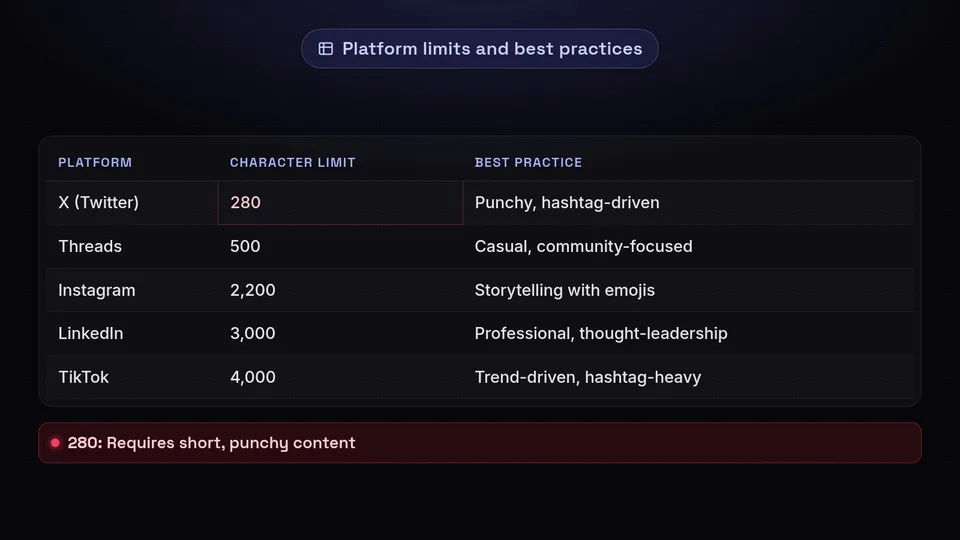
Every social platform has different character limits, audience expectations, and content styles:
| Platform | Character Limit | Best Practice |
|---|---|---|
| X (Twitter) | 280 | Punchy, hashtag-driven, conversational |
| Threads | 500 | Casual, community-focused |
| 2,200 | Storytelling with emojis and line breaks | |
| 3,000 | Professional, thought-leadership | |
| 63,206 | Engaging, shareable, versatile | |
| TikTok | 4,000 | Trend-driven, hashtag-heavy |
| Bluesky | 300 | Short, witty, link-friendly |
Before this update, you had two choices: write for the lowest common denominator (short and generic) or create separate posts for each platform (time-consuming and messy).
How Platform-Specific Captions Work
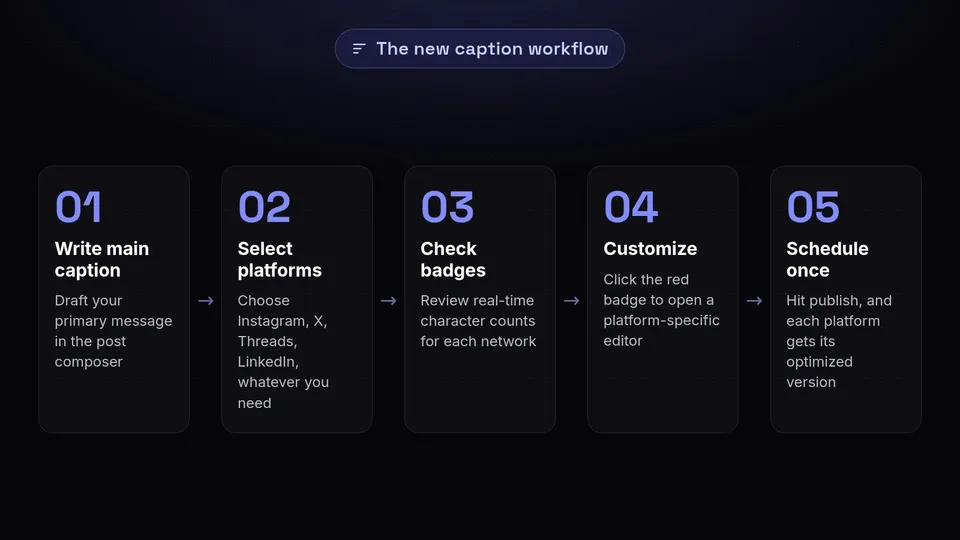
Here's what the new workflow looks like:
- Write your main caption in the post composer as usual
- Select your platforms — Instagram, X, Threads, LinkedIn, whatever you need
- Check the character badges — each platform shows a real-time character count (e.g., "Threads 832/500")
- Customize where needed — when your main caption exceeds a platform's limit, a red "Customize" badge appears. Click it to open a platform-specific editor
- Write a tailored version — the editor pre-fills with your main caption so you can trim and adapt rather than start from scratch
- Schedule once — hit publish, and each platform gets its optimized version
Smart Character Count Validation
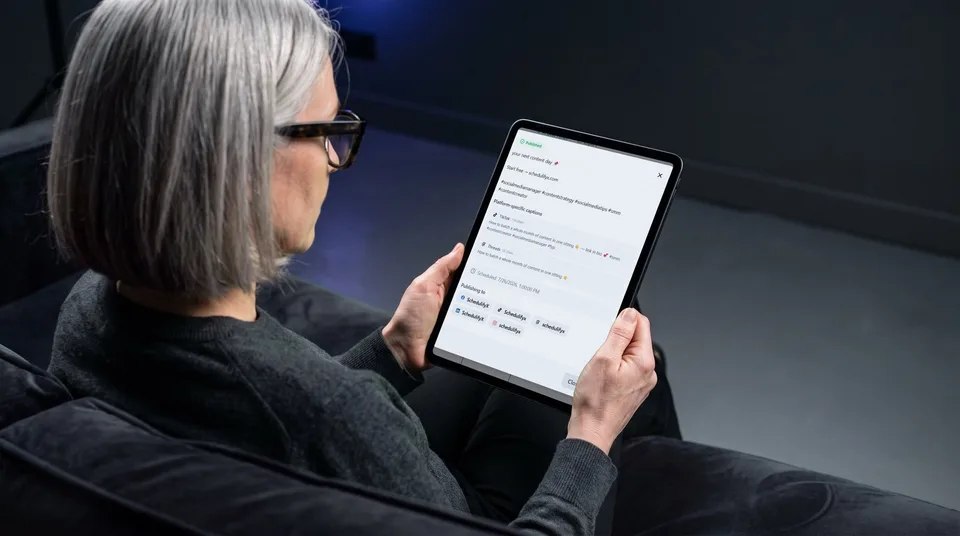
The character count badges aren't just informational — they're interactive. They change color based on your current status:
- Green badge: You're within the character limit
- Yellow badge: You're approaching the limit (within 10%)
- Red badge with "Customize": You've exceeded the limit — click to write a platform-specific version
Once you've written a custom caption for a platform, its badge updates to show the override character count instead, confirming your tailored version fits perfectly.
Behind the Scenes
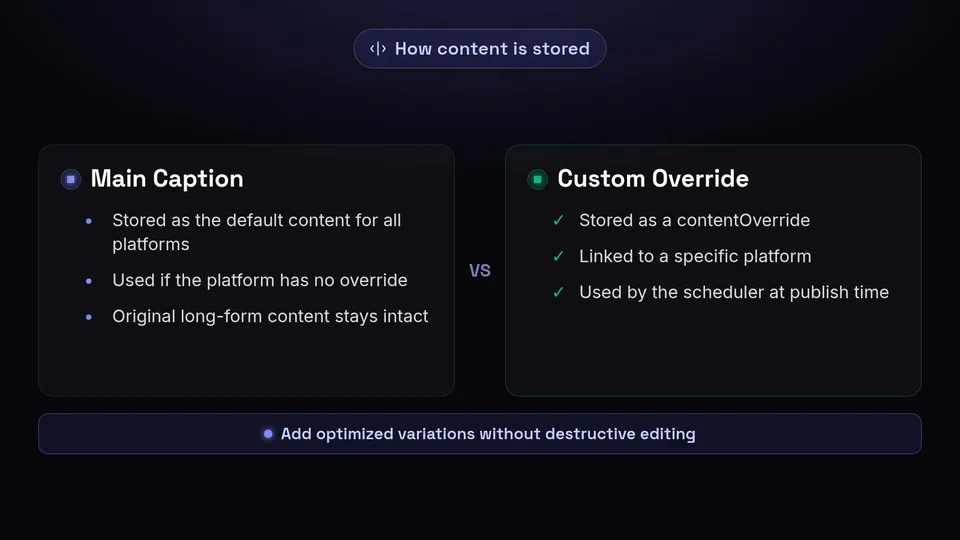
When you schedule a post with platform-specific captions, here's what happens under the hood:
- The main caption is stored as the default content for all platforms
- Each customized caption is stored as a
contentOverridelinked to that specific platform - At publish time, the scheduler checks: "Does this platform have an override? If yes, use it. If not, use the main caption."
This means your original long-form content stays intact — you're not destructively editing anything. You're just adding optimized variations where needed.
Real-World Example
Let's say you're announcing a product launch. Your main caption is 950 characters — perfect for Instagram and LinkedIn. But you also want to post on X and Threads. Instead of rewriting the entire post, you:
- Click the red "Customize" badge next to X
- Trim your caption to a punchy 260-character version with a link
- Click the red "Customize" badge next to Threads
- Create a 480-character casual version
- Hit "Schedule" — done
Total time: about 2 minutes for four perfectly tailored posts.
Available Now for All Plans
Platform-Specific Captions are available immediately to all SchedulifyX users — free and paid plans alike. No setup required; just start composing your next post and you'll see the character badges automatically.
We believe great social media management shouldn't force you to choose between efficiency and quality. With this update, you get both.
Ready to try it? Create your next post and see the new platform-specific captions in action.