How to Schedule Instagram Reels in Advance | SchedulifyX
Learn exactly how to schedule Instagram Reels in advance. Discover step-by-step instructions, technical requirements, and best practices to save time.
SchedulifyX is the AI-powered social media command center built for creators, businesses, and agencies. Schedule posts across 10+ platforms, generate content with 9 specialized AI agents, collaborate with your team using approval workflows, analyze performance with deep analytics, and manage all social engagement from a unified inbox. Trusted by professionals worldwide — free plan available, paid plans from
Short-form video has fundamentally transformed the way brands and creators communicate with their audiences. On Instagram, Reels serve as the primary engine for organic discovery, allowing your content to reach users who do not yet follow your account. However, the process of conceptualising, filming, editing, and publishing video content can be incredibly time-consuming. If you are publishing natively on the fly, you risk disrupting your daily workflow, missing optimal posting windows, and compromising the consistency of your content strategy.
Learning how to schedule Instagram Reels in advance shifts your approach from reactive to proactive. By adopting a batch-creation and scheduling workflow, you can secure a steady stream of high-quality content without the daily pressure of manual uploading. This comprehensive guide will walk you through the precise steps required to schedule your Reels effectively, the prerequisites you need in place, and the strategic advantages of using a dedicated scheduling platform.
Strategic Advantages
Why You Should Schedule Instagram Reels in Advance
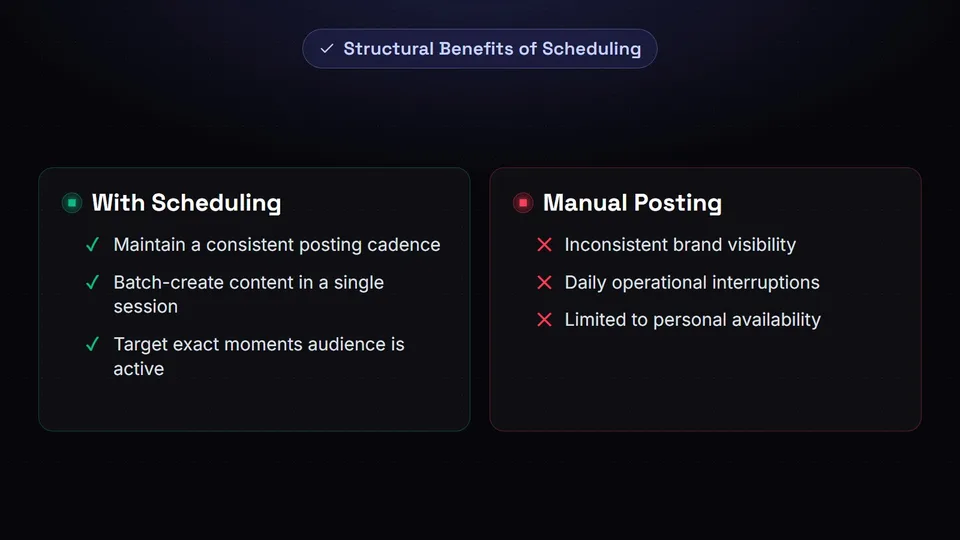
Transitioning to an automated publishing schedule offers numerous structural benefits for your social media operations. When you move away from manual posting, you unlock new levels of efficiency and strategic oversight.
Unwavering Consistency
The Instagram algorithm favours accounts that maintain a consistent posting cadence. Scheduling ensures your audience receives a steady stream of content, maintaining your brand's visibility and relevance.
Workflow Efficiency
Batch-creating and scheduling your Reels in a single session frees up your schedule. You can dedicate specific blocks of time to content creation rather than interrupting your daily operations to publish.
Strategic Timing
Scheduling allows you to target the exact moments your audience is most active online, regardless of whether you are personally available or awake to press the publish button.
Preparation
Prerequisites for Scheduling Reels

Before you can begin scheduling your video content, you must ensure your Instagram account is properly configured. The Instagram API, which allows third-party tools to publish on your behalf, requires specific account types to function.
Essential Requirement: Professional Account
To schedule Reels using a third-party platform, your Instagram profile must be set to either a Business or Creator account. Personal accounts do not have access to the API permissions required for automated publishing.
To convert your account, navigate to your Instagram profile settings, locate the account type options, and select the prompt to switch to a Professional account. Follow the on-screen instructions to link your profile to a corresponding Facebook Page, which is a mandatory step established by Meta for authentication purposes.
The Process
How to Schedule Instagram Reels: Step-by-Step
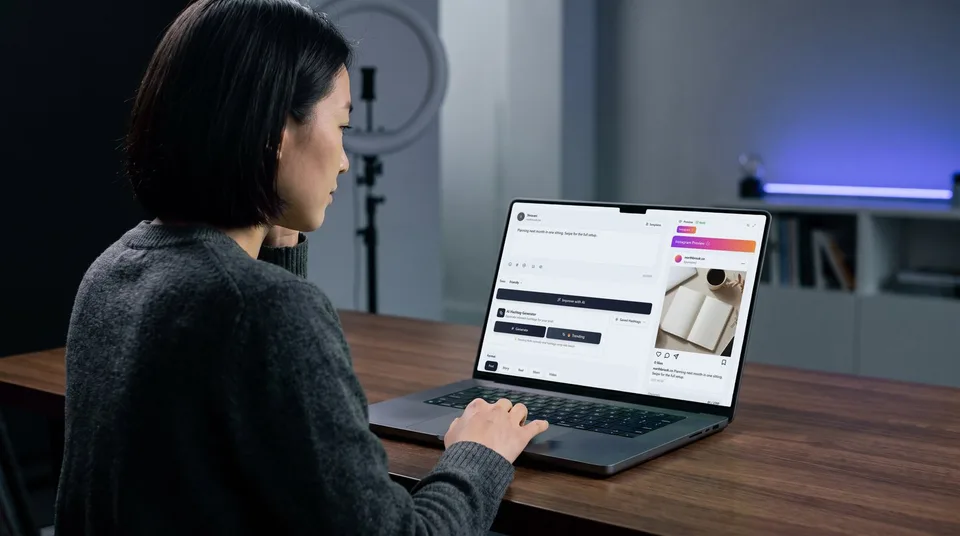
Once your account is configured correctly, you can integrate it with your scheduling platform. Here is the exact process for scheduling your Instagram Reels in advance using SchedulifyX.
Connect Your Instagram Account
Log into your SchedulifyX dashboard and navigate to the integration settings. Select Instagram from the list of available platforms. You will be prompted to authenticate the connection via Facebook. Ensure you grant all requested permissions to allow the platform to publish video content on your behalf.
Upload Your Video File
Open the post composer and upload your prepared video file. For optimal playback on Instagram, ensure your video adheres to the platform's specifications: a 9:16 aspect ratio, a resolution of at least 1080x1920 pixels, and saved in either MP4 or MOV format. The file size should remain within the limits specified by the API.
Craft Your Caption and Hashtags
Write a compelling caption that complements your video. Since Reels are highly visual, your caption should provide additional context, include a clear call-to-action (such as directing viewers to the link in your bio), and utilise relevant hashtags to aid in discoverability.
Select Your Publishing Time
Choose the specific date and time you wish your Reel to go live. Base this decision on when your historical analytics indicate your audience is most active. Selecting an optimal time increases the likelihood of immediate engagement, which can signal to the algorithm that your content is valuable.
Review in the Content Calendar
Before finalising, view your scheduled post within your content calendar. This visual overview allows you to verify that your Reel fits seamlessly into your broader content strategy and that you are not clustering too many posts together on a single day.
Confirm and Schedule
Once you are satisfied with the preview and the selected timing, hit the schedule button. SchedulifyX will securely store your content and automatically publish it to your Instagram feed at the designated moment, requiring no further manual intervention.
Pro Tip: Always double-check your video's safe zones before scheduling. Ensure that crucial text or visual elements are not obscured by Instagram's native interface elements, such as the caption overlay at the bottom or the engagement buttons on the right-hand side.
Ready to automate your Instagram strategy?
Stop publishing manually and start scheduling your Reels in advance with SchedulifyX.
Start Scheduling Today →Platform Comparison
Native Scheduling vs. Third-Party Platforms
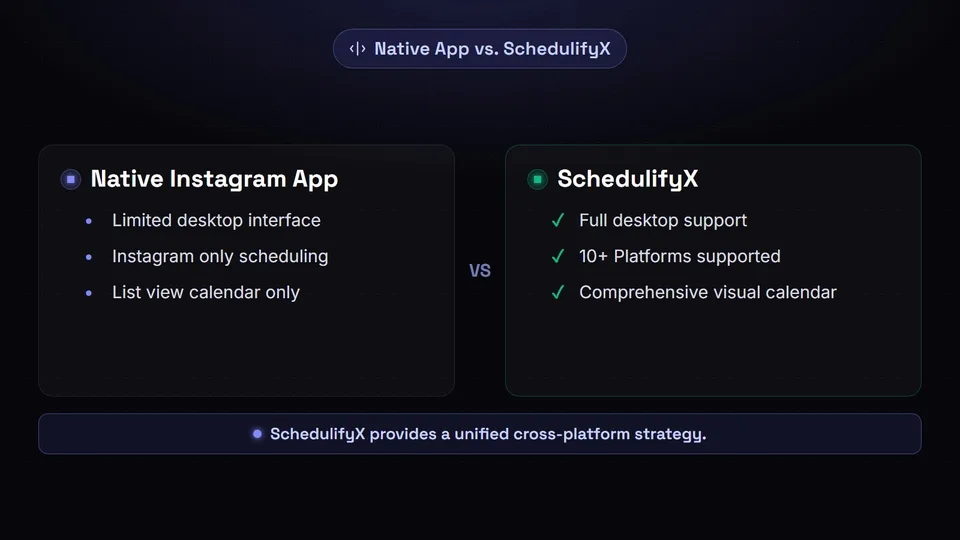
Instagram does offer a native scheduling feature within its mobile application. While this can be useful for casual users, professional marketers and creators often require a more robust solution. Understanding the differences can help you choose the right workflow for your needs.
| Feature / Capability | Native Instagram App | SchedulifyX |
|---|---|---|
| Desktop Interface | Limited (Creator Studio required) | ✔ Fully supported |
| Cross-Platform Scheduling | ✗ Instagram only | ✔ 10+ Platforms |
| Visual Content Calendar | ✗ List view only | ✔ Comprehensive visual calendar |
| Batch Uploading | ✗ One by one | ✔ Streamlined workflow |
By utilising a dedicated platform, you gain a holistic view of your entire social media presence. Rather than managing Instagram in isolation, you can coordinate your Reels alongside your TikTok videos and YouTube Shorts, ensuring a unified cross-platform strategy.
Best Practices
Best Practices for Scheduled Reels
Scheduling your content is only one piece of the puzzle. To maximise the impact of your Reels, you must ensure the content itself is optimised for the platform's unique environment.
- Hook the Viewer Immediately: The first three seconds of your Reel are critical. If you do not capture the viewer's attention instantly, they will scroll past. Use strong visual movement, compelling text overlays, or an intriguing statement to stop the scroll.
- Optimise for Sound-Off Viewing: While audio is a significant component of Reels, many users browse with their devices muted. Always include closed captions or descriptive text overlays so your message is conveyed regardless of the user's audio settings.
- Maintain High Video Quality: Instagram's algorithm actively demotes videos that are visibly low resolution, blurry, or contain watermarks from other platforms. Always export your videos at the highest possible quality before uploading them to your scheduling tool.
- Engage Post-Publication: Automation handles the publishing, but community management remains a human task. Make a habit of logging into the app shortly after your scheduled Reel goes live to respond to early comments and foster engagement.
Technical Specifications Reminder
To avoid failed scheduled posts, always ensure your video files meet the strict API requirements: MP4/MOV format, maximum 1GB file size, and a duration between 3 and 90 seconds. Files falling outside these parameters may be rejected by Instagram during the automated publishing process.
Troubleshooting
Common Pitfalls and How to Avoid Them
Even with a streamlined workflow, occasional technical hurdles can arise when scheduling video content via an API. Being aware of these common issues will help you maintain a flawless publishing record.
✔ Best Practices to Ensure Success
- Regularly refresh your account connections to maintain API access.
- Verify your video aspect ratio is exactly 9:16 before uploading.
- Keep your captions well within the character limit to avoid truncation.
✗ Mistakes to Avoid
- Attempting to schedule using a Personal Instagram account.
- Uploading videos with third-party watermarks.
- Scheduling too many Reels in a short time frame, which may trigger spam filters.
If a scheduled Reel fails to publish, the most common culprit is a lapsed connection between your Facebook Page and your scheduling platform. Social media networks periodically require users to re-authenticate their accounts for security purposes. If this occurs, simply navigate to your integration settings, reconnect the profile, and reschedule the failed post.
Take Control of Your Video Strategy
Mastering how to schedule Instagram Reels in advance is a transformative step for any digital marketer or content creator. It removes the friction of daily manual publishing, allowing you to focus your energy on what truly matters: producing engaging, high-quality video content that resonates with your target audience.
By adhering to the technical specifications, maintaining a consistent posting cadence, and utilising a reliable platform to manage your content calendar, you position your brand for sustained organic growth on Instagram.
Get started free — no credit card required.
